
Finance Teams
Close the books faster,without chasing documents
Automatically bring transactions and supporting documents together, match what belongs together, and focus only on what still needs attention.
7-day free trial. No credit card required.
Built for finance teams
Make month-end less manual
Stop spending hours searching for invoices, matching transactions, and following up for missing proof.
Close faster
Get more transactions reconciled automatically before month-end.
Chase less
Collect invoices and receipts from the places they already live — and follow up when something is missing.
Review only exceptions
Skip the transactions ClearSpend AI can confidently match and focus on the ones that actually need you.
How it works
From transaction tocompleted record.
Collect → Match → Review → Sync
Bring in the transactions
Connect Xero, QuickBooks, or Plaid, or upload card statements.
Bring in the proof
Collect invoices and receipts from Gmail, Google Drive, or direct uploads.
ClearSpend AI matches them
Transactions are matched with the relevant invoice or receipt automatically.
Finish what needs attention
Review exceptions, resolve missing proof, and sync completed records back to Xero or QuickBooks.
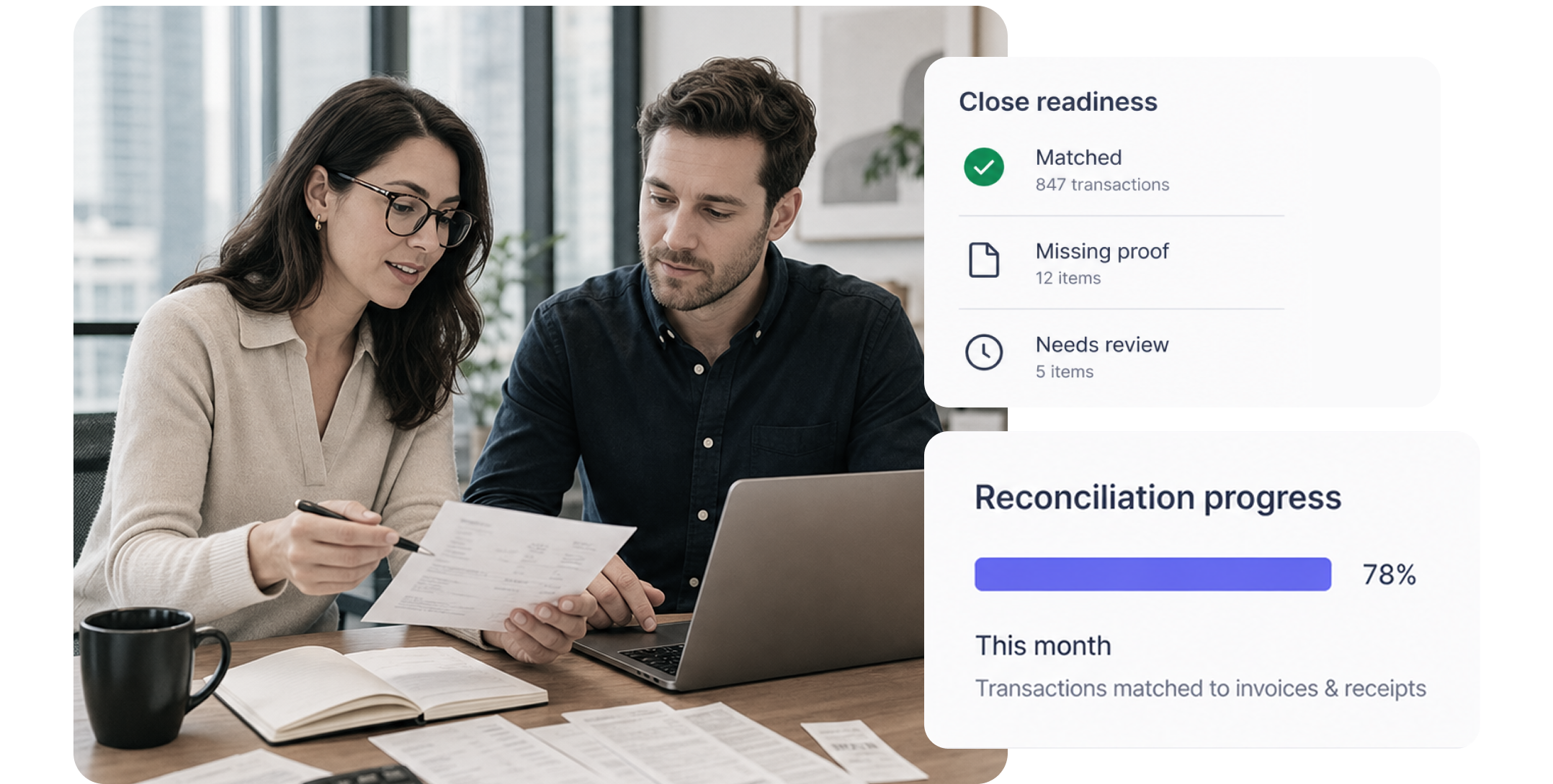
Know what's complete
See the gaps before they become month-end problems.
ClearSpend AI keeps each transaction connected to its supporting document and surfaces anything still missing.
- What's matched · What's missing · What needs review
- When it's time to close or prepare for an audit, the evidence is already where it belongs.
Accounting workflow
Reconcile once. Keep your books updated.
ClearSpend AI works alongside Xero and QuickBooks, so completed reconciliation data can flow back into your accounting system.
- No copying the same information between tools. No doing the work twice.
- Reconcile → Review → Sync back
Beyond reconciliation
Get more control over company spend.
Track subscriptions
See recurring spend in one place and know what your company is paying for.
Stay ahead of renewals
Review upcoming renewals before another charge goes through.
Understand spend
See where money is going and where spend deserves a closer look.
FAQs
Common questions from finance teams
ClearSpend AI brings transactions and supporting documents together, matches relevant records automatically, and surfaces only what still needs attention.
Connect Xero, QuickBooks, or Plaid, or upload card statements.
Connect Gmail and Google Drive or upload documents directly.
ClearSpend AI identifies the missing proof so your team knows exactly what needs to be collected instead of manually checking every transaction.
Yes. Reconciled transaction and document information can be synced back to Xero or QuickBooks, reducing duplicate entry.
No. ClearSpend AI works alongside your accounting system by automating the collection, matching, and reconciliation work around it.