
 Claude
Transaction
Invoice

Transactions & matching
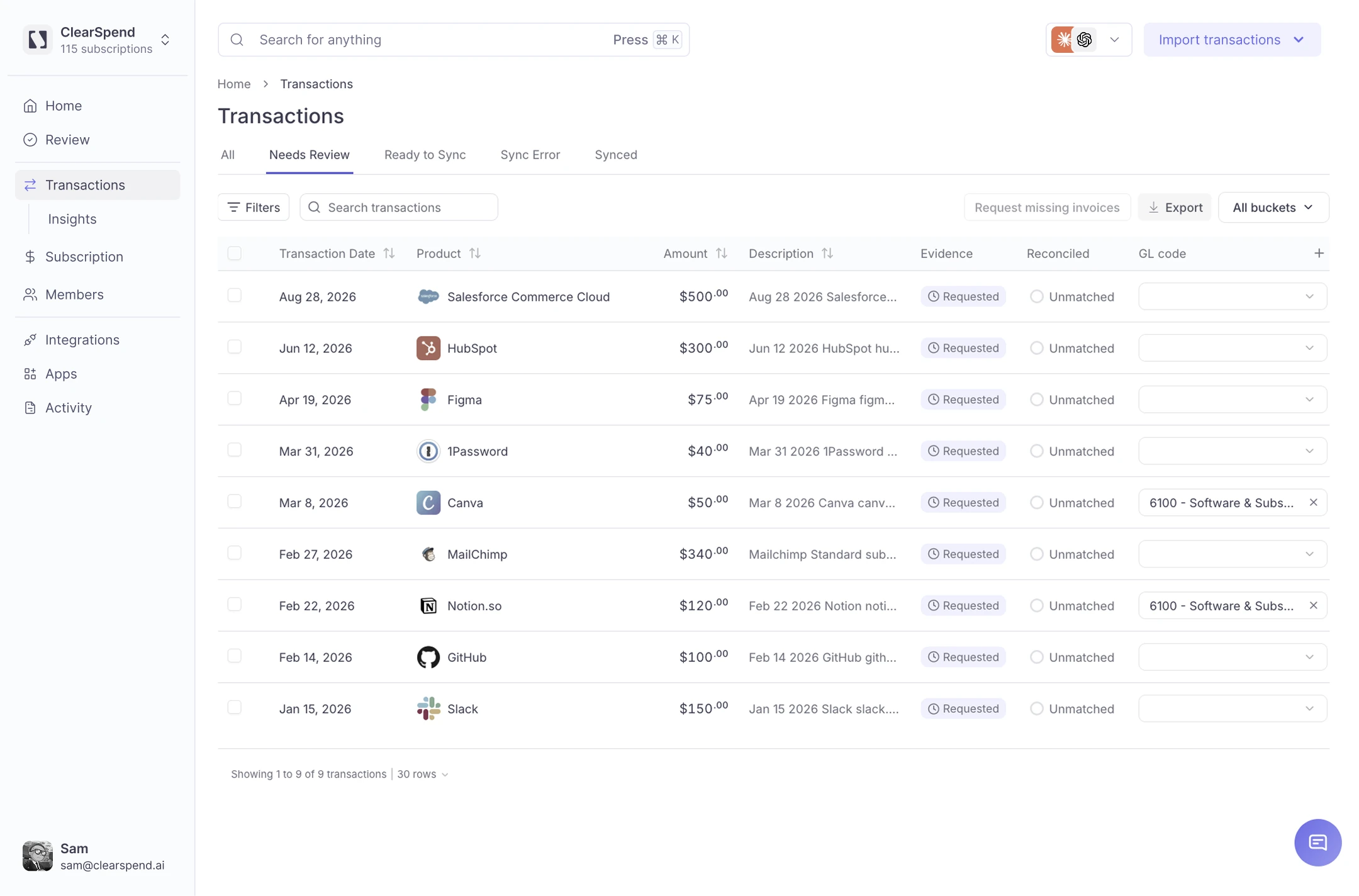
Bring in transactions, invoices, and receipts. ClearSpend matches the records that belong together and shows you only what still needs attention.
7-day free trial · No credit card required
Before ClearSpend
The transaction is in Xero or your card statement. The invoice is buried in Gmail. The receipt is sitting in Drive. ClearSpend brings both sides into the same workflow.
 Xero
Xero
$1,249.00 · Adobe
 Gmail
Gmail
Adobe_Invoice_March.pdf
 Card statement
$84.22 · Uber
No document found
 Google Drive
Uber Receipt.pdf
Xero
$650.00 · XYZ Consulting
No document found
Gmail
XYZ_Invoice_March.pdf
Transaction reconciliation
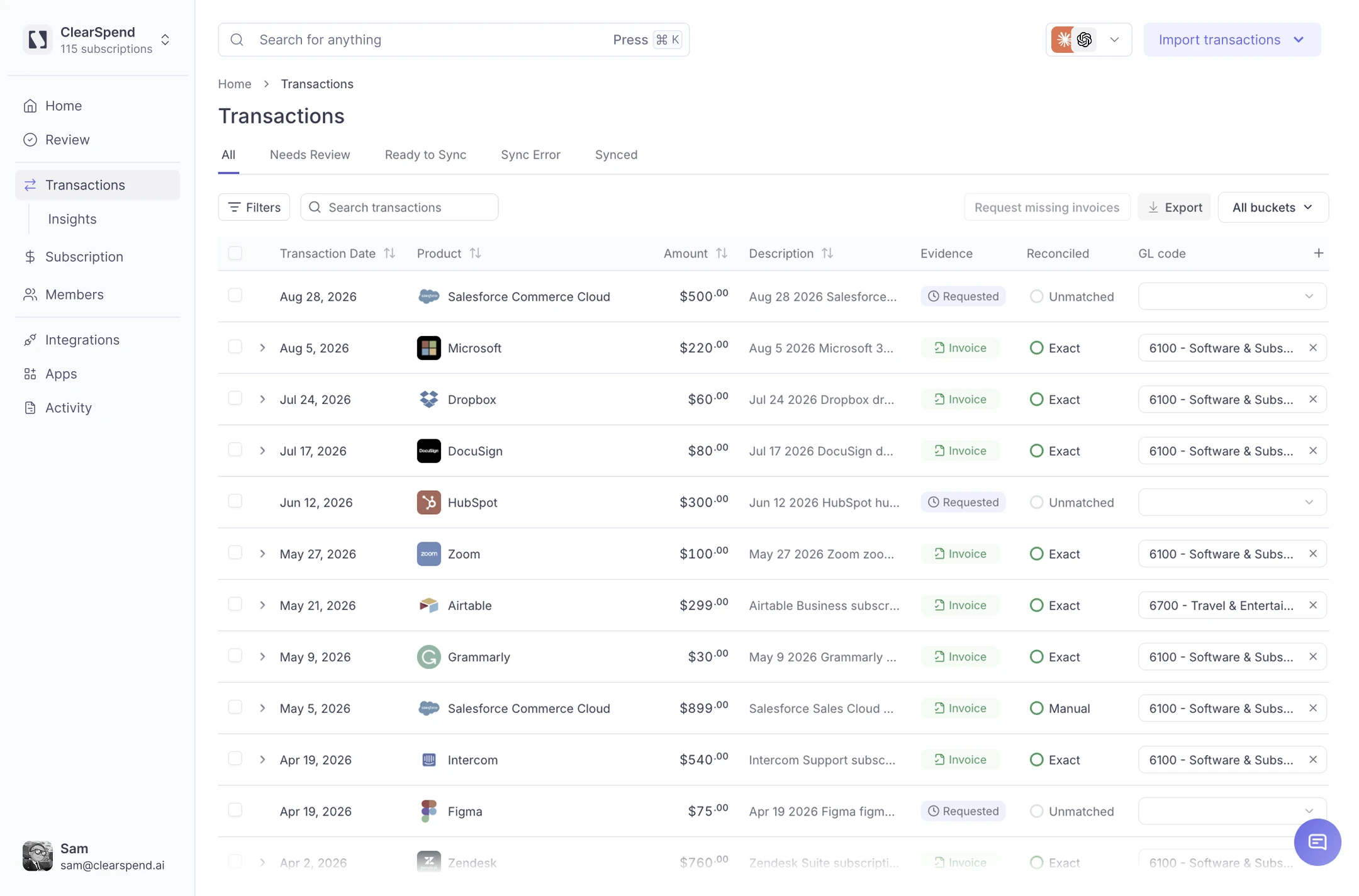
Clear confident matches before month-end instead of leaving everything for the final few days.
Find invoices and receipts across connected sources and quickly identify what's still missing.
Focus your team on exceptions instead of manually checking transactions that already match.
Keep each transaction connected to the document that supports it.
How it works
Connect your sources once. ClearSpend AI keeps matching charges to proof in the background.
Import from Xero or Plaid, or upload a credit card statement.
Pull relevant invoices and receipts from Gmail, Google Drive, or direct uploads.
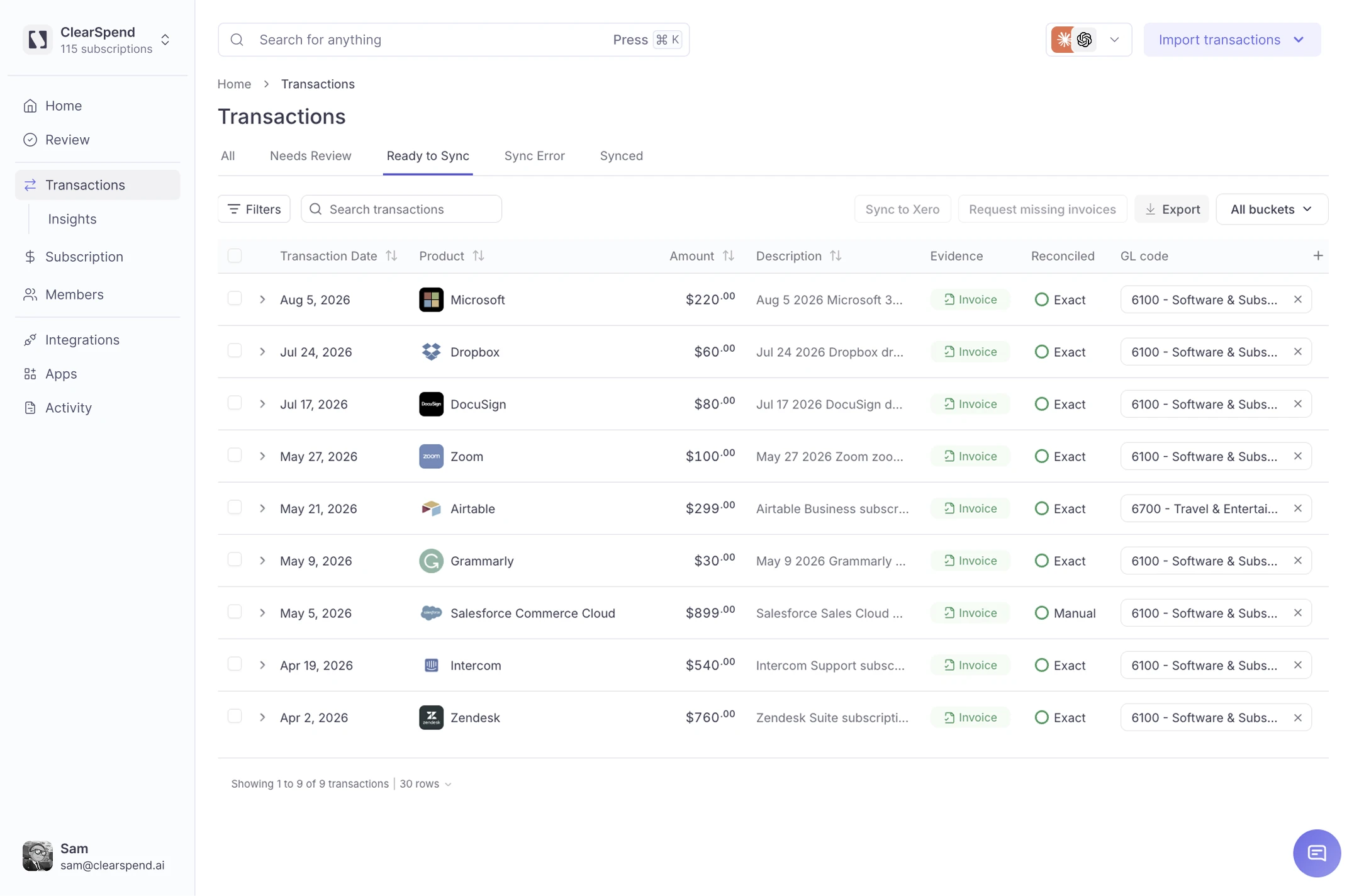
ClearSpend connects transactions with the invoices or receipts that belong to them.
Only uncertain or incomplete transactions stay in the review queue.
Missing documents
When ClearSpend can't find supporting proof, it flags the transaction before your team reaches month-end. Keep unresolved transactions in one place, with a clear list of the invoices and receipts still needed.
Xero Integration
Bring Xero transactions into ClearSpend and match them to supporting invoices and receipts. Review exceptions, then send completed records back to Xero. One connected workflow—no repeating matching work in two systems.
Integrations
Bring charges and proof into ClearSpend AI from Gmail, Drive, cards, and your accounting platforms.
Explore all IntegrationsAI assistant MCP
OAuth 2.1 authentication — no API keys to manage.Learn more
FAQ
ClearSpend leaves uncertain matches for review instead of automatically connecting records it isn't confident about.
Yes. Connect Gmail and Google Drive and ClearSpend can identify relevant invoices and receipts and bring them into your workspace for matching.
The transaction remains clearly marked as missing proof so your team knows what still needs to be collected.
Yes. ClearSpend supports credit card statement uploads for bringing card transactions into your workspace.
Yes. After transactions are matched and reviewed in ClearSpend, they can be sent back into your Xero workflow.
No. ClearSpend works with Xero by handling document collection, matching, and exception review before completed records return to your accounting workflow.
Bring transactions and proof together. ClearSpend matches the records that belong together and gives you the exceptions to review.